

The Anova Connect App
Keep an Eye on Your Tank with Anova Connect
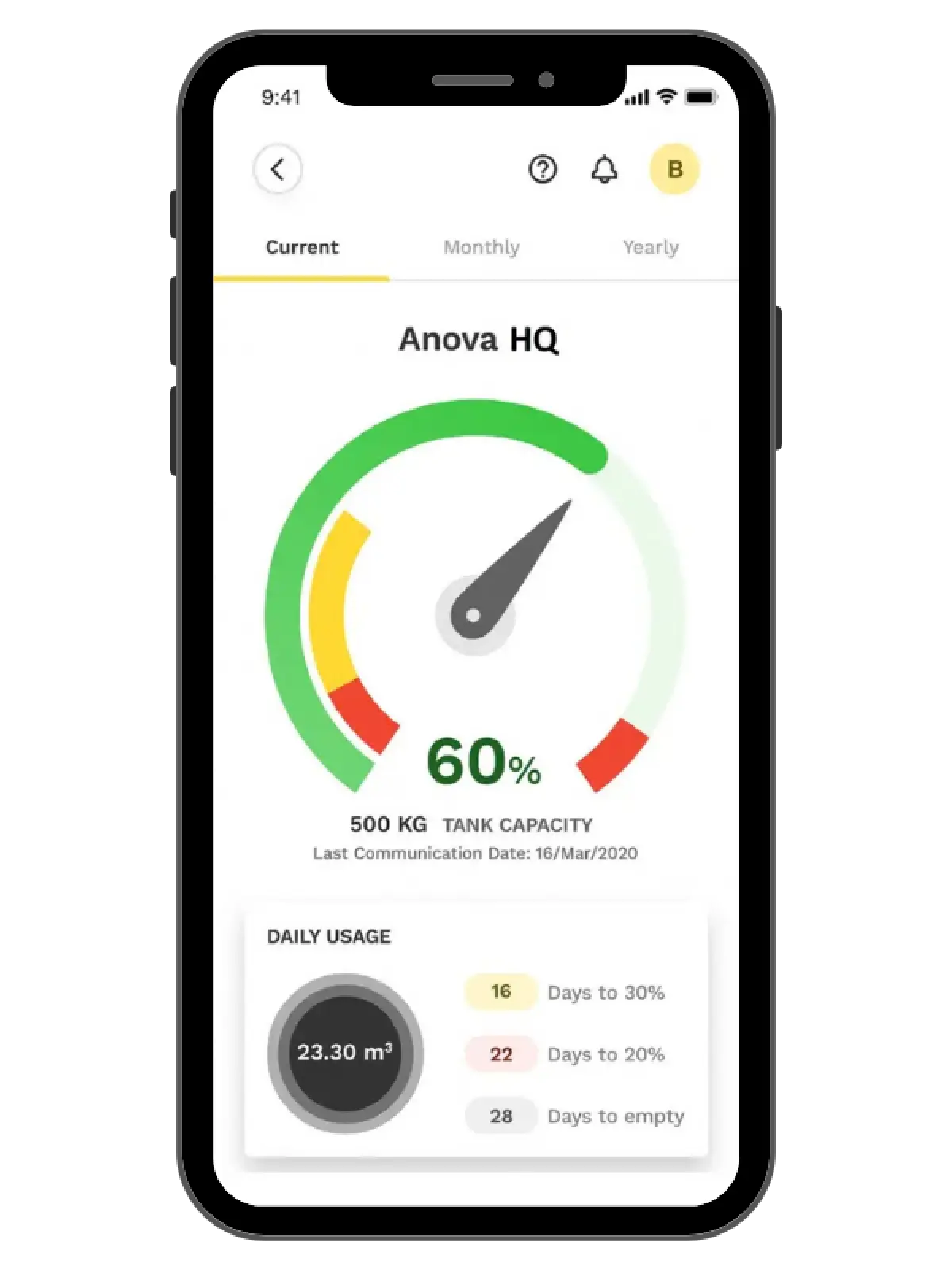
With a NOCO tank monitor and the Anova Connect app, you always know where your fuel level stands. Check your tank, track your usage, get alerts, and request a fill from your phone or computer.
Don't have a tank monitor yet? Request one here →
Prefer your computer? Sign in to Anova Unify. Anova Connect was formerly known as My Tank App.
 App Features
Real-Time Tank Level
Live fuel level data straight from your tank monitor.
Usage History
See how much fuel you use by day, month, and year.
Alerts & Notifications
Get notified so you're never caught with an empty tank.
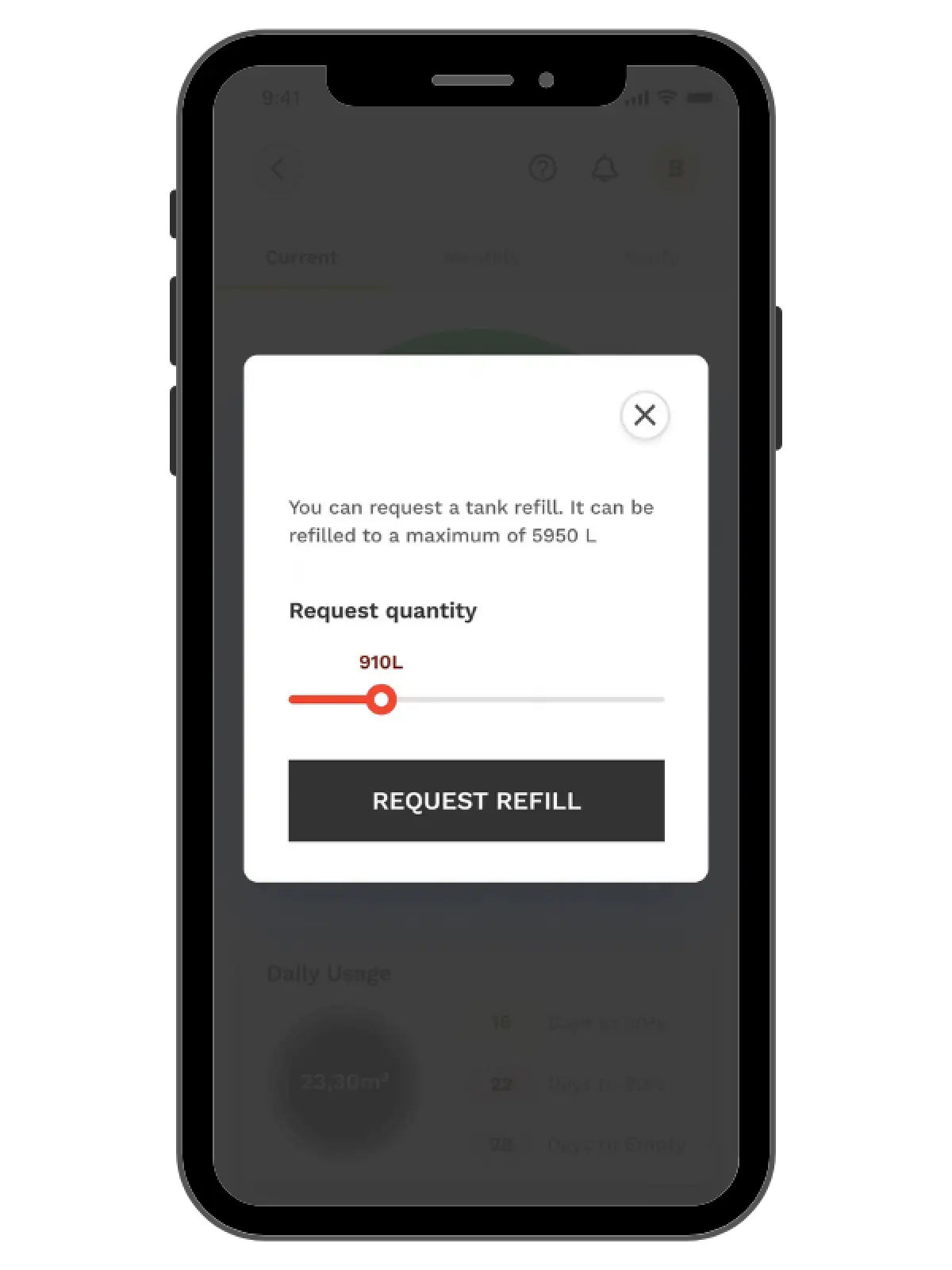
Request a Fill
Place fill or service requests in a few taps.
Multiple Locations
Monitor every tank you're responsible for in one account.
Phone or Computer
Use the app on the go, or sign in at Anova Unify.
Getting Started
Is Easy
Request a Monitor
Fill out the form below. A NOCO representative will reach out to let you know if you're eligible for a tank monitor.
Activate Your Account
Once your monitor is installed, you'll receive an email to activate your account. Sign in with your email address and a password you create.
Download the App
Get Anova Connect from the App Store or Google Play, or sign in on your computer at Anova Unify.
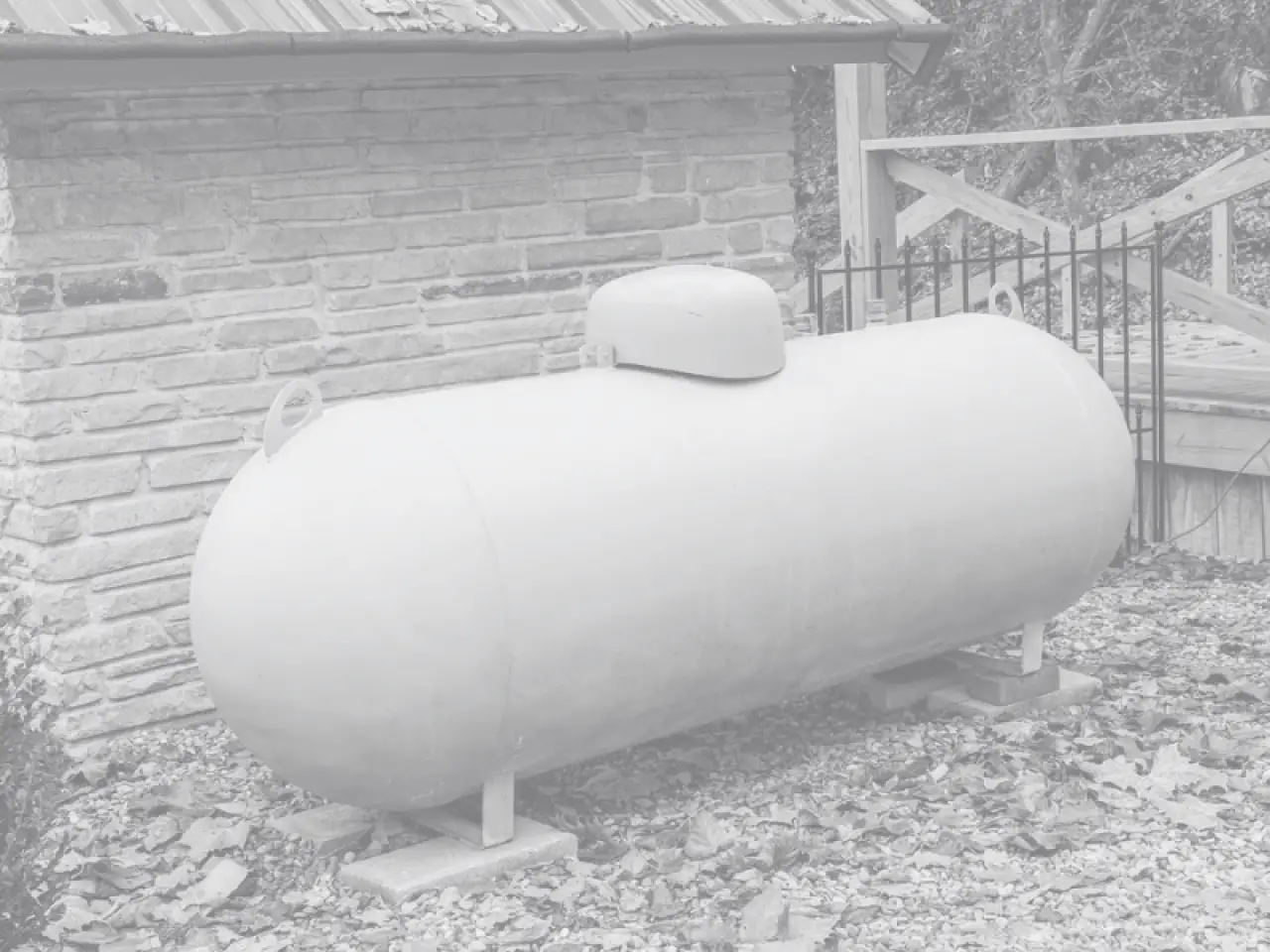
Request a Tank Monitor Today
Fill out the form and a NOCO representative will reach out to let you know if you're eligible for a tank monitor and the Anova Connect app.
SCHEDULE AN
APPOINTMENT TODAY

